

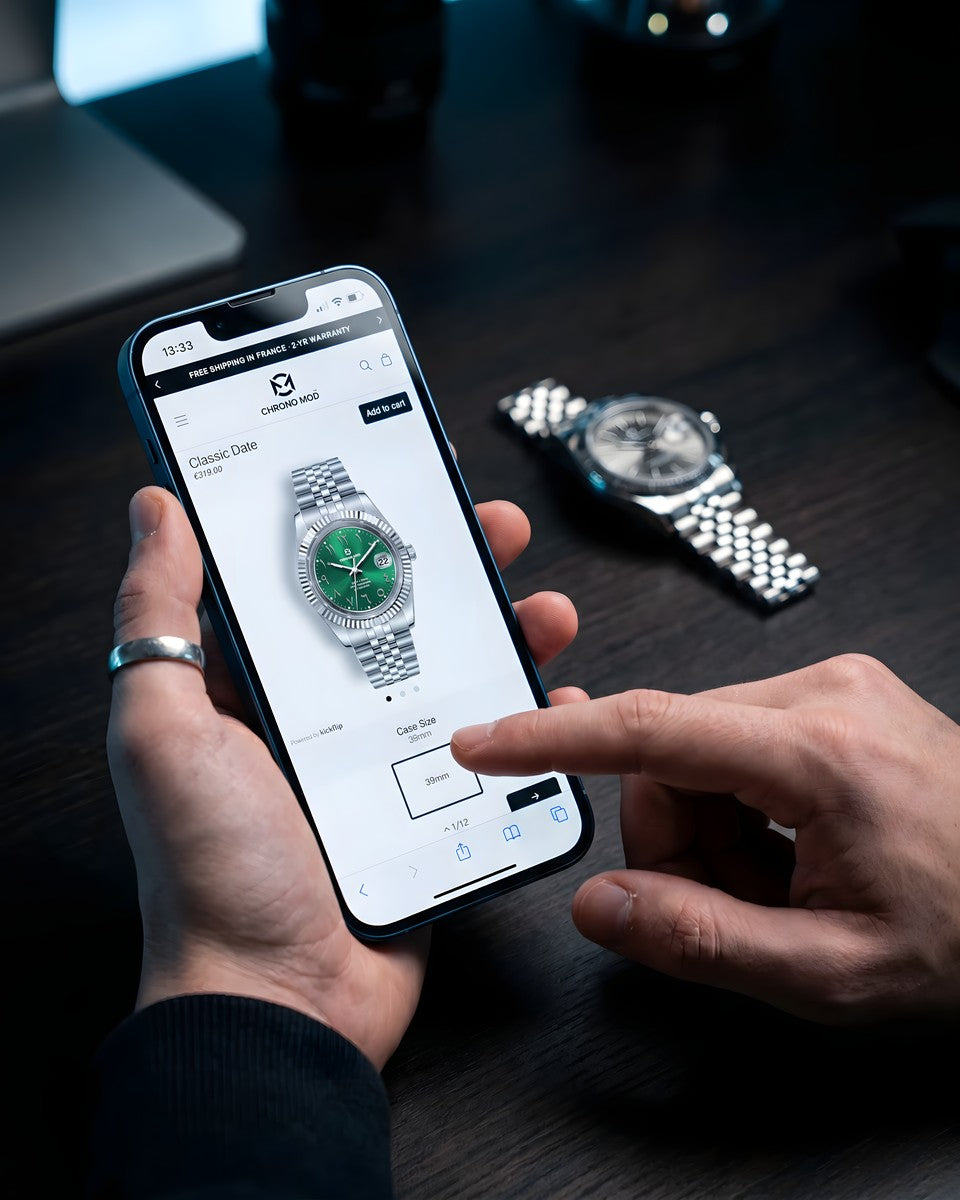
How to Configure Your Custom Watch: A Step-by-Step Guide
Over 54,000 configurations have been created on our platform since launch. Some people spend five minutes and know exactly what they want. Others come back three days in a row to refine one detail. Either approach is fine: the configurator is built for both.
Here’s exactly how the process works, from your first click to the moment your watch is assembled and on its way to you.
Step 1 – Choose Your Base Model
Everything starts with the model: the architecture of the watch. We offer 12 distinct masters, each with its own proportions, movement, and character:
- Classic Date / Lady Date: Clean dress watch silhouette, 39 or 36 mm and NH35A on the Classic Date, 31 mm and NH05A on the Lady Date
- GMT Dual Time: True 4th-hand GMT complication, NH34A, 40mm, for those who cross time zones
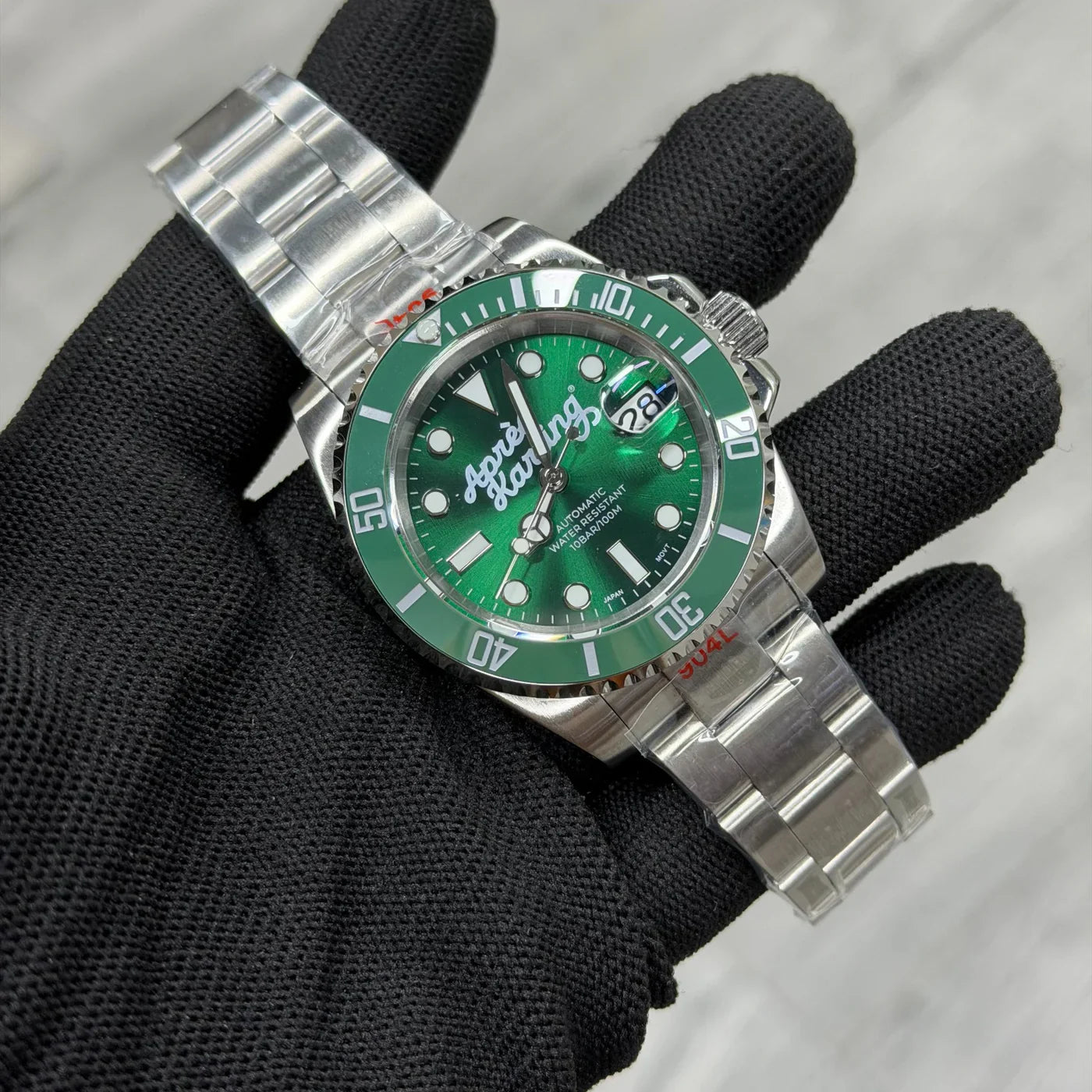
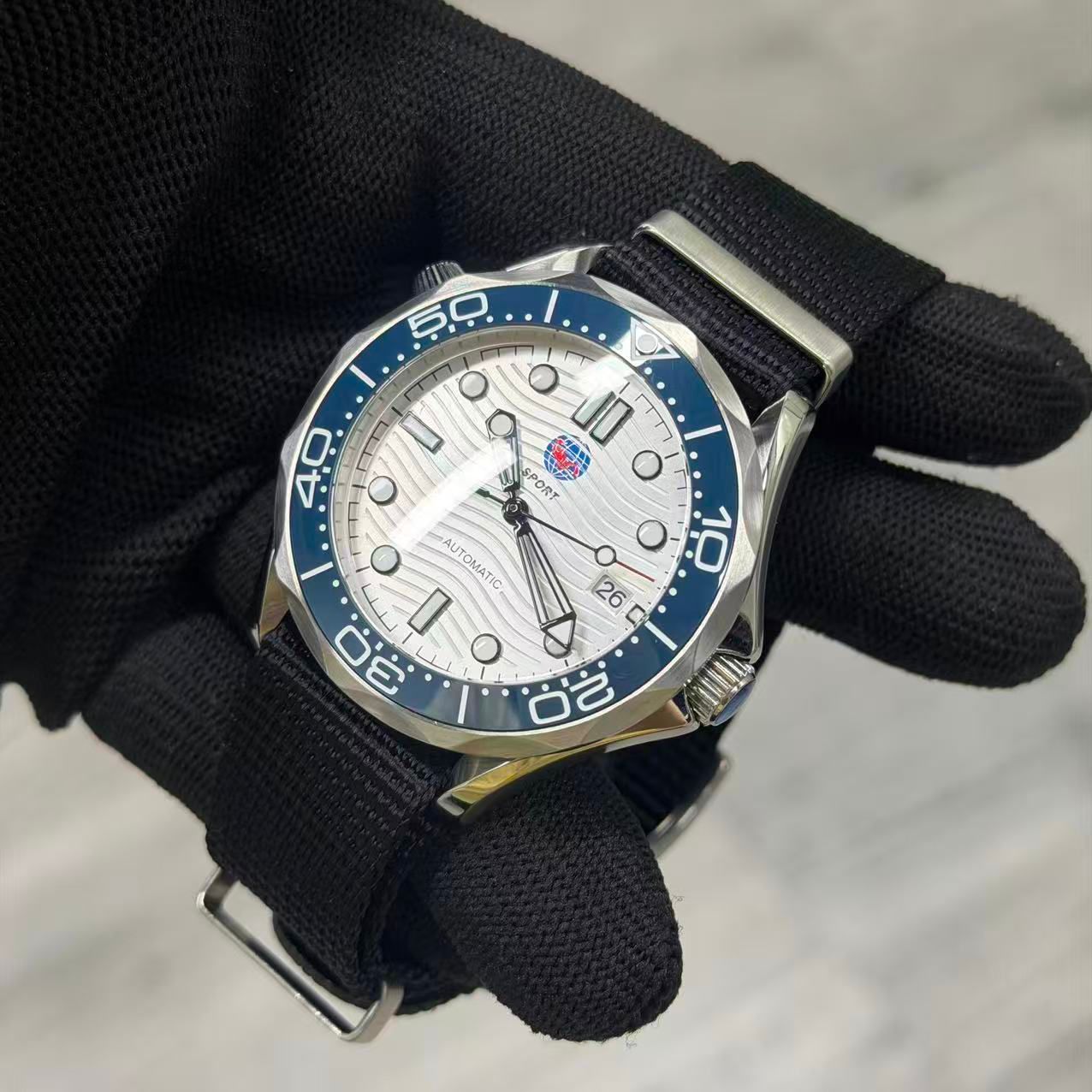
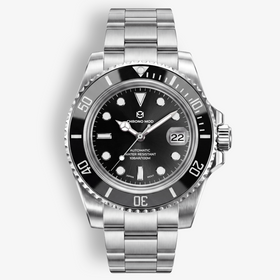
- DeptMaster / OceanMaster / SeaRanger / Marina Guard: Diver-inspired cases, sport proportions, robust build
- LandMaster / Apex: Field and sport watch proportions, integrated steel bracelet
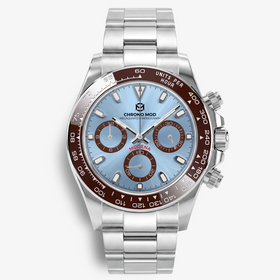
- Modena / Horizon / Odyssey: Sport-chic aesthetic, steel bracelet or rubber strap
Not sure which? Start with wrist size. A 38–40mm case is the most versatile range. GMT and diver models have more visual presence. Dress models sit thinner under a shirt cuff. If you want to read two time zones without a bezel trick, the GMT Dual Time is your only option in our catalogue.
Step 2 – Select Your Case Material
Three options are available depending on the model:
- 316L stainless steel: The classic. Dense, scratch-resistant, polishes beautifully.
- Grade 2 titanium: 40% lighter than steel, fully hypoallergenic. Recommended if your skin reacts to metal jewellery or watches.
- Forged carbon: Ultra-light, marbled texture, technical aesthetic. Offered on the Modena.
For a full comparison, see our material guide.
Step 3 – Pick Your Dial
The dial is the face: what you and everyone else actually looks at. Colour, marker style, and texture are all configurable here. We offer solid colours, gradient dials, and applied-index variants. Arabic numerals, Roman numerals, and dot indices are available depending on the model.
One practical tip: if you’re adding a custom logo (see Step 6), choose a dial colour with enough contrast for the logo to read clearly. Light logos on dark dials, or dark logos on silver/white: both work well. Mixed contrast is where custom logos get lost.
Step 4 – Configure the Bezel
For GMT and diver models, the bezel has more visual impact than any other single component. It defines the personality of the watch from across the room. The top three selections from our GMT customers:
- Shadow Steel (black & gray): 20.7% of all GMT builds
- Batman (black & blue): 20.0%
- Pepsi Blue (blue & red): 14.0%
Classic dress models use a smooth or fluted bezel. No colour insert, just the case finish.
Step 5 – Choose Your Bracelet
The bracelet completes the silhouette and determines daily comfort as much as the case material does. Our most popular choices:
- Jubilee: Five-link, rounded, the most popular in our catalogue (47.7% of GMT configurations). Classic and comfortable.
- Oyster: Three-link, clean lines, more sporty and contemporary.
- President / Integrated: Available on select sport-chic models for a more refined silhouette.
- Rubber: For active use and sport configurations. Pairs naturally with diver models.
- NATO / Leather: For a completely different character, on models with standard lugs. Dress or adventure, depending on material.
One tip on colour: match your bracelet colour to your case finish. Silver bracelet on brushed silver case. Black bracelet on DLC or carbon. Mismatched combinations are noticeable, and not in a good way.
Step 6 – Add Your Personal Touch
This is where a Chrono Mod becomes genuinely unrepeatable. Two options:
- Custom dial logo: Your name, initials, a company logo, coordinates, a symbol. Applied to the dial face. 76% of our GMT builds activate this option. It’s the most popular customisation we offer.
- Caseback engraving: A message, a date, a dedication. Visible only to you (or whoever you give it to). Popular for gifts and milestones.
Both options are available through the configurator. No minimum order, no extra step.
What Happens After You Order
Once you submit your configuration, it enters our assembly pipeline. Lead time is typically 10–20 days depending on your destination and configuration complexity.
For watches with custom logos or engraving, you receive a photo of your assembled watch before it ships, directly from us. This is one of those things that started as a customer service gesture and became a standard part of how we work.
Delivery is tracked and insured. Your watch ships with a 2-year guarantee card. If anything isn’t exactly right, we’ll make it right.
Start Your Configuration
Every watch we’ve ever shipped started as a blank screen and a few decisions. It takes about five minutes to get to something you’d actually wear.